
Zones & Geofencing
Draw the areas you actually cover, and see live coverage against them
A genuine geofence — a center point and a radius — worked out from your drivers’ own live positions, with a live count of coverage and queued work in each one.
· 7-day free trial· No long-term contract· Setup help on every plan
What this gives your office
01
A real geofence, not a postcode guess
A zone is a center point and a radius, worked out against each driver’s own live GPS position — no reverse-geocoding step, and no per-driver address lookups needed for it to work.
02
See coverage at a glance
How many online drivers are inside a zone right now, and how many queued jobs are waiting in it — on the Bookings screen, and on the office Wallboard for a shared view the whole team sees.
03
Informational, not a lockout
A zone shows you coverage. It does not stop a driver working outside one and does not alert you when they leave — deliberately, so this stays a planning tool rather than a restriction nobody asked for.
What’s included
✓Zones set as a center point and radius, not a postcode list
✓Live count of online drivers inside each zone
✓Live count of queued jobs waiting inside each zone
✓Shown on the Bookings screen and the office Wallboard
✓Add, edit, activate or retire a zone yourself
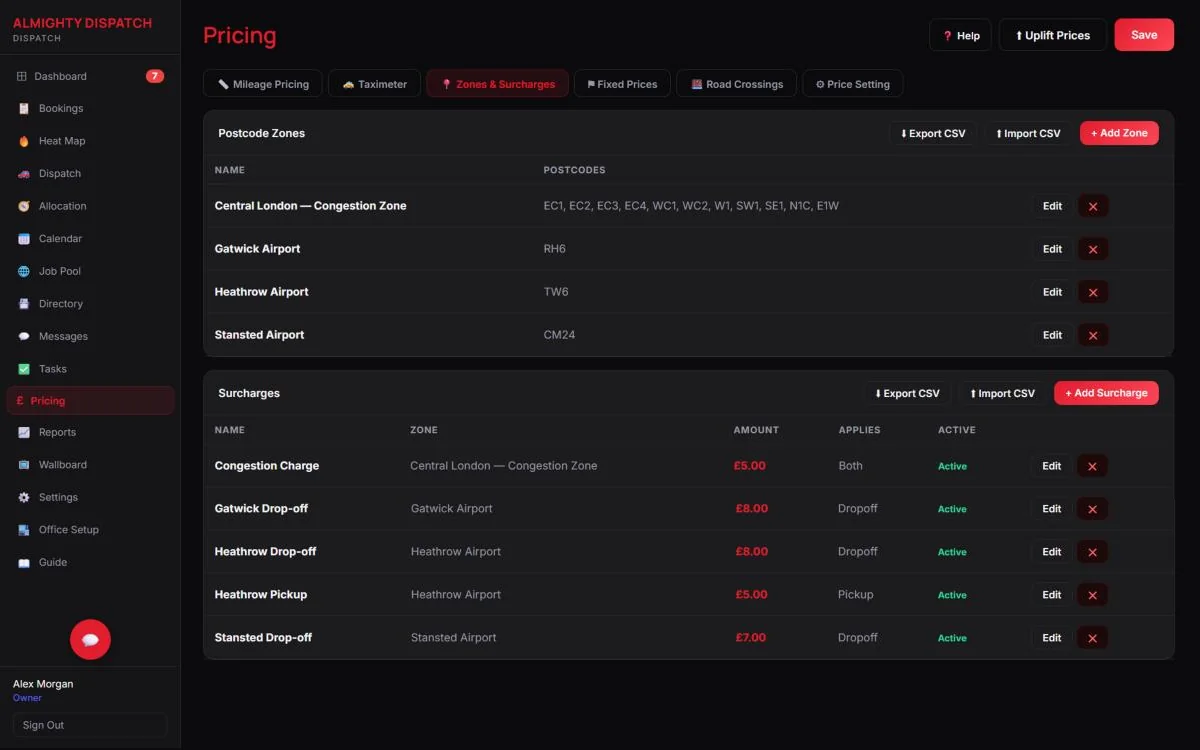
✓Kept separate from postcode-based pricing zones and surcharges — a different feature entirely
Zones, explained simply
Is this the same as postcode-based pricing zones?
No — those set a fare surcharge, like an airport pickup fee. Operational zones just show live coverage. Two separate features, and they don’t affect each other.
Does it stop a driver working outside a zone?
No. It is informational only, by design — a coverage view, not a restriction.
Do I need to set up postcodes for this to work?
No. It works entirely from each driver’s own live GPS position against the zone’s center and radius.
More questions on subscribing or your own data — see the full FAQ.
Explore the connected areas
Taxi Dispatch Software
One live board for every job, from pool to completed.
Explore page →
Live Driver Tracking
Every driver’s position and status, live, from the office and the passenger’s own phone.
Explore page →
Driver Job Offers
Publish work to your available drivers and watch every response land in one place.
Explore page →